Phone and Telegram
Your agents from your phone.
Pair with a QR code. It works from anywhere, through an end-to-end encrypted relay. No Caprock account.
Notarized by Apple. One file for Apple silicon and Intel, macOS 13 or later.
Or run it yourself:
Paste in Terminal: it installs Caprock and opens it.Or with Homebrew: brew install --cask dspv/tap/caprock-app
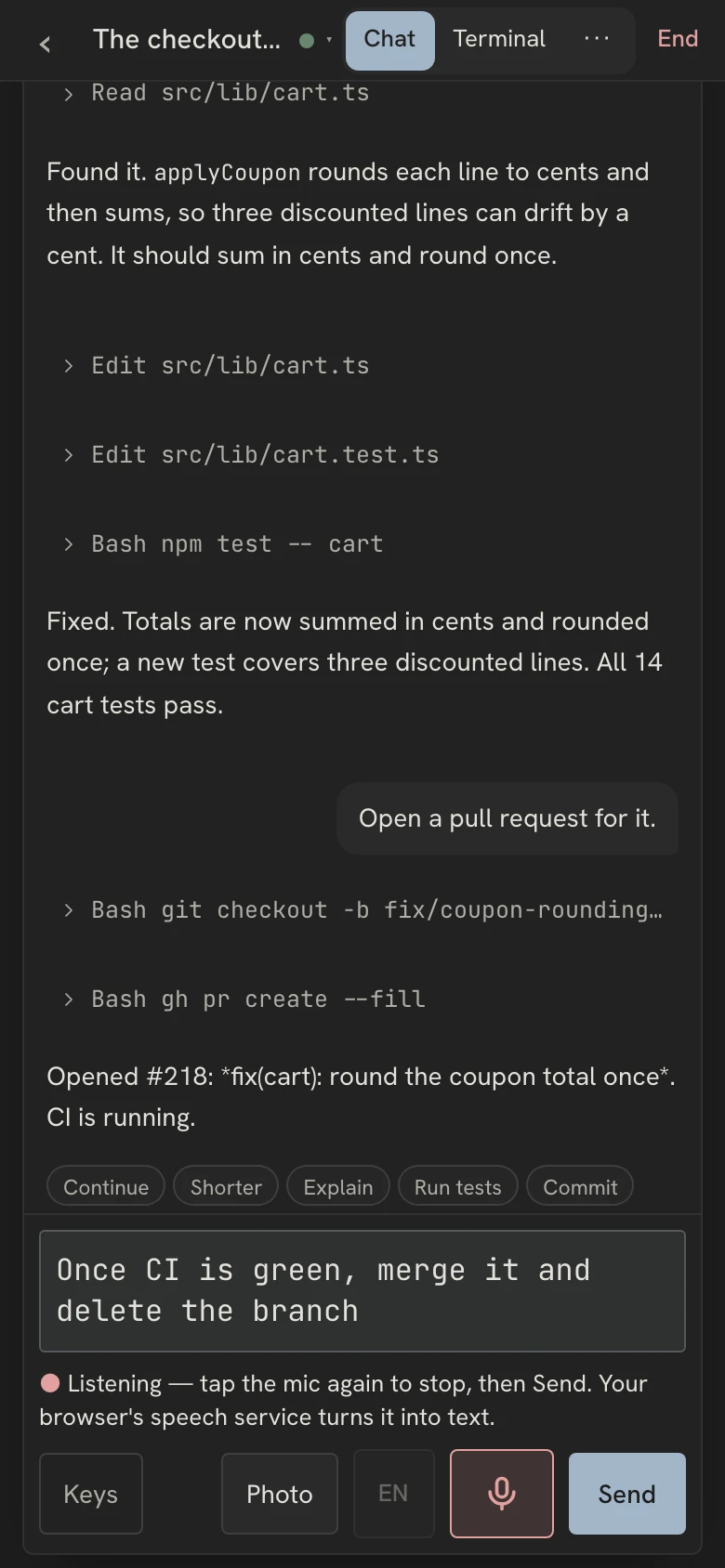
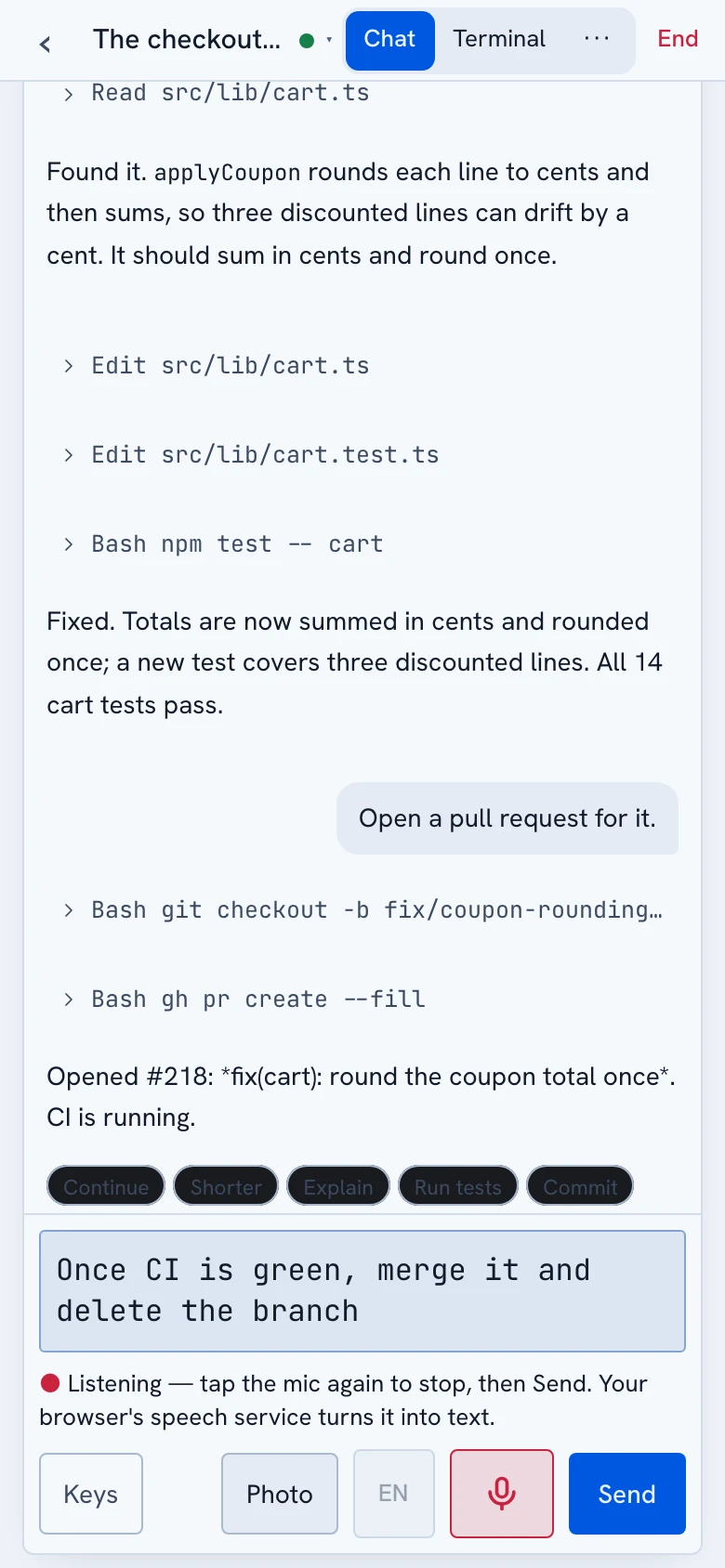
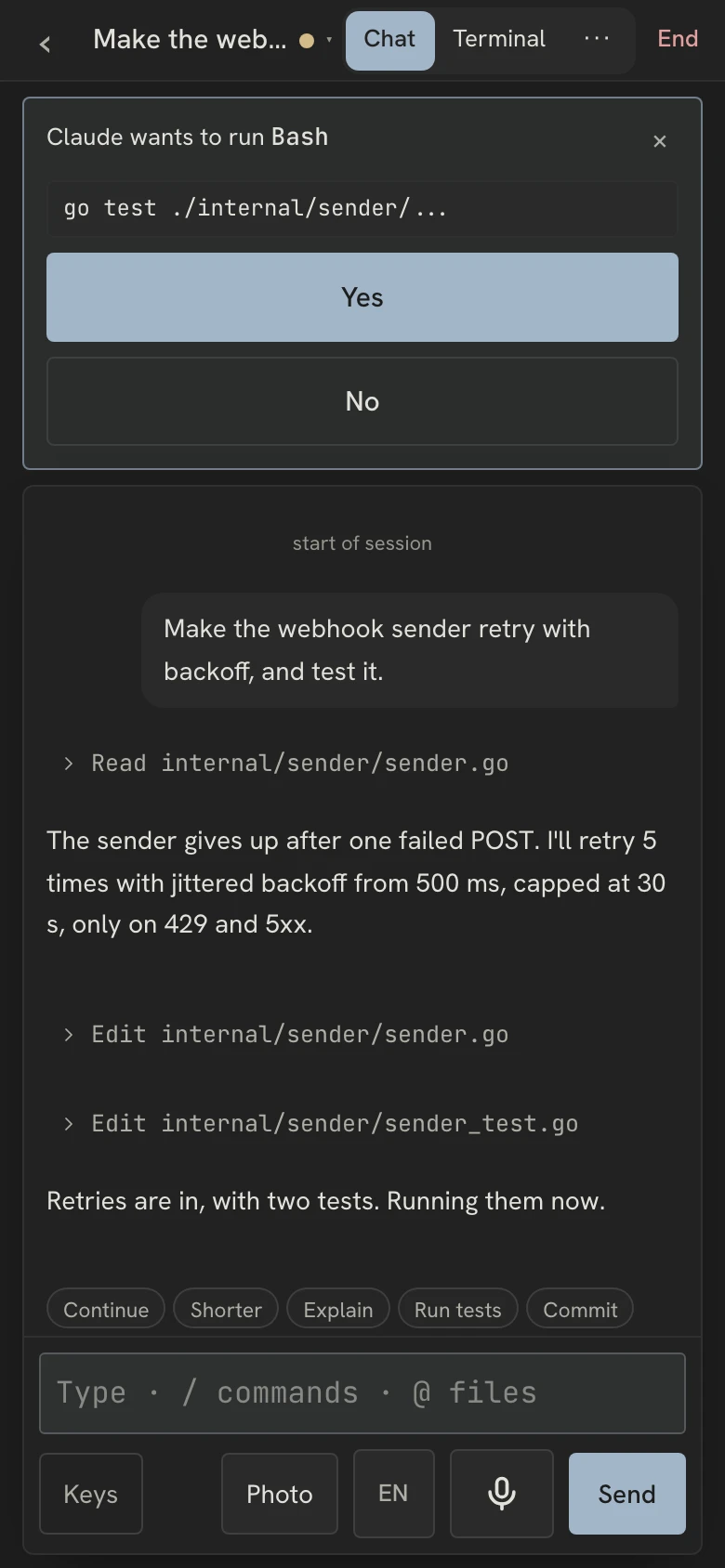
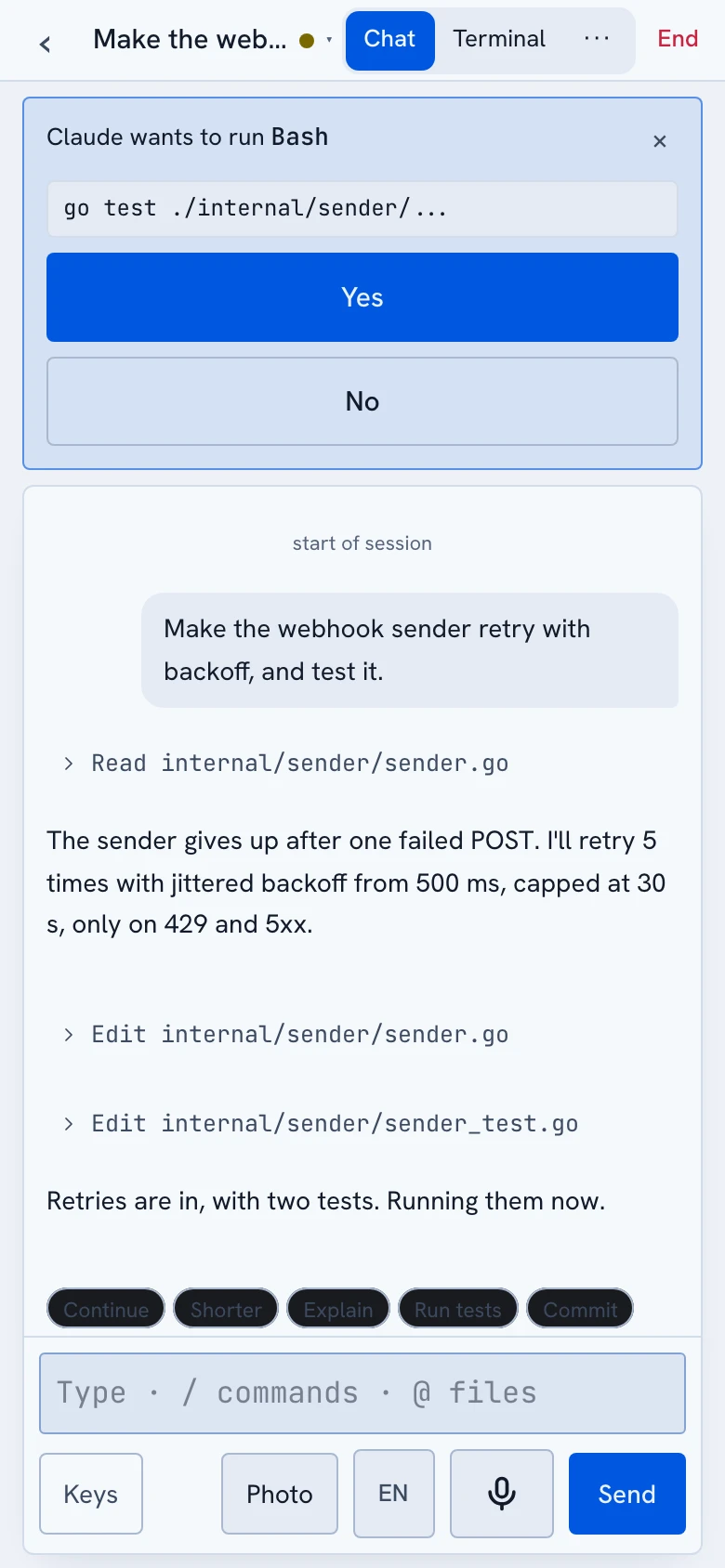
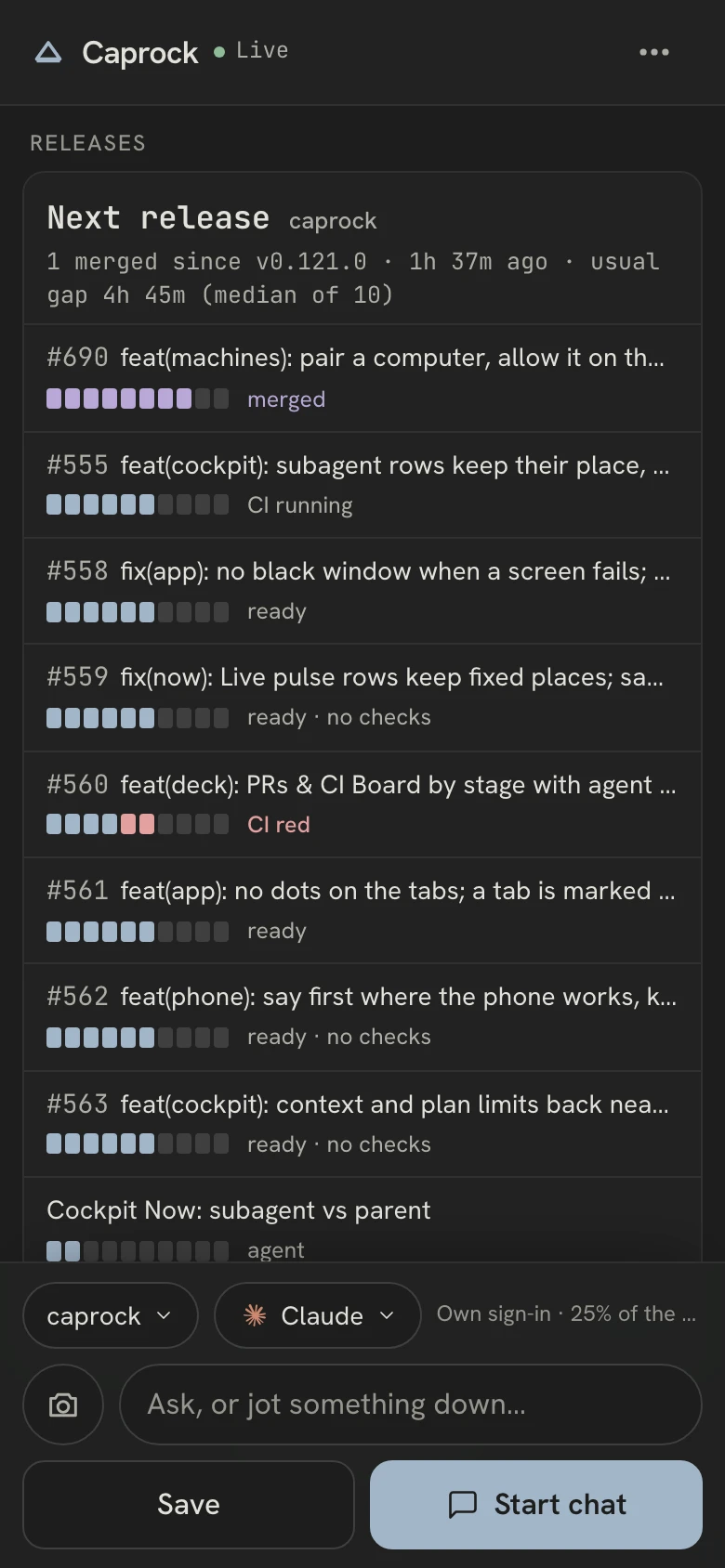
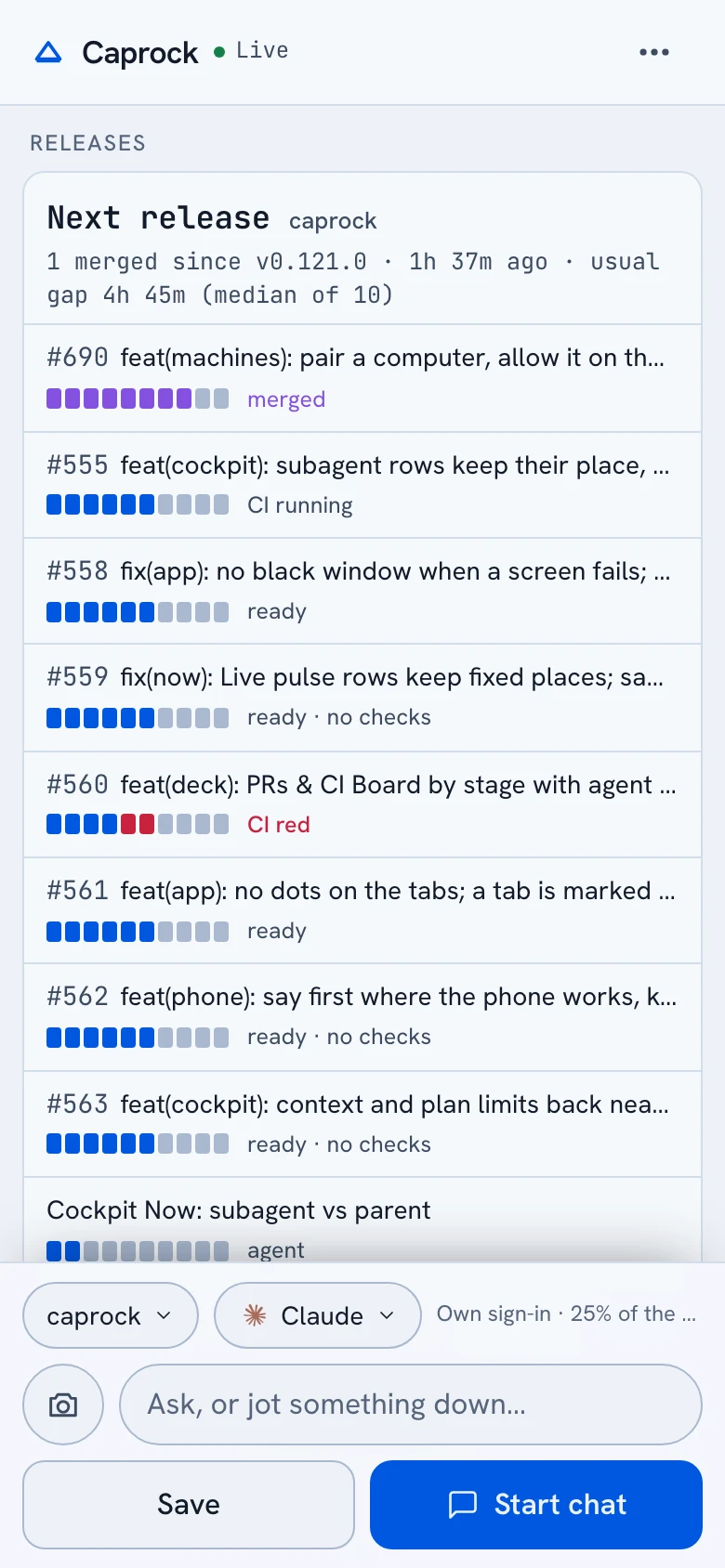
The dashboard at phone width, from a demo machine. Example figures.
Pair with a QR code
Scan it and the phone pairs itself; each device is listed with a Remove button.
From anywhere
On Wi-Fi or mobile data, through a relay that carries only ciphertext; run your own relay if you prefer.
Chat first
The running sessions, one tap each into a full-screen chat, with the terminal one switch away.
Start and steer agents
Let your own phone start an agent in any project, type into it, answer prompts and stop it.
Dictate a message
Speak instead of typing: your keyboard's dictation key, or the microphone button on an https address, in the language you pick.
Releases on your phone
Per repository, the next version and a progress bar for each piece of work in it.
Queued messages
Send while the agent works; the message goes in when the turn ends, and the phone and the Mac show one queue.
Telegram alerts
Your own bot tells you when a Claude Code session needs approval or has finished, with what it cost and changed.
Answer from Telegram Premium
Reply to a session's message and Caprock types it in; Approve, Deny, /new and /stop work from the chat.
Try it on the sessions you already run.
Free and open source · macOS, Windows and Linux · no account
Notarized by Apple. One file for Apple silicon and Intel, macOS 13 or later.
Or run it yourself:
Paste in Terminal: it installs Caprock and opens it.Or with Homebrew: brew install --cask dspv/tap/caprock-app